
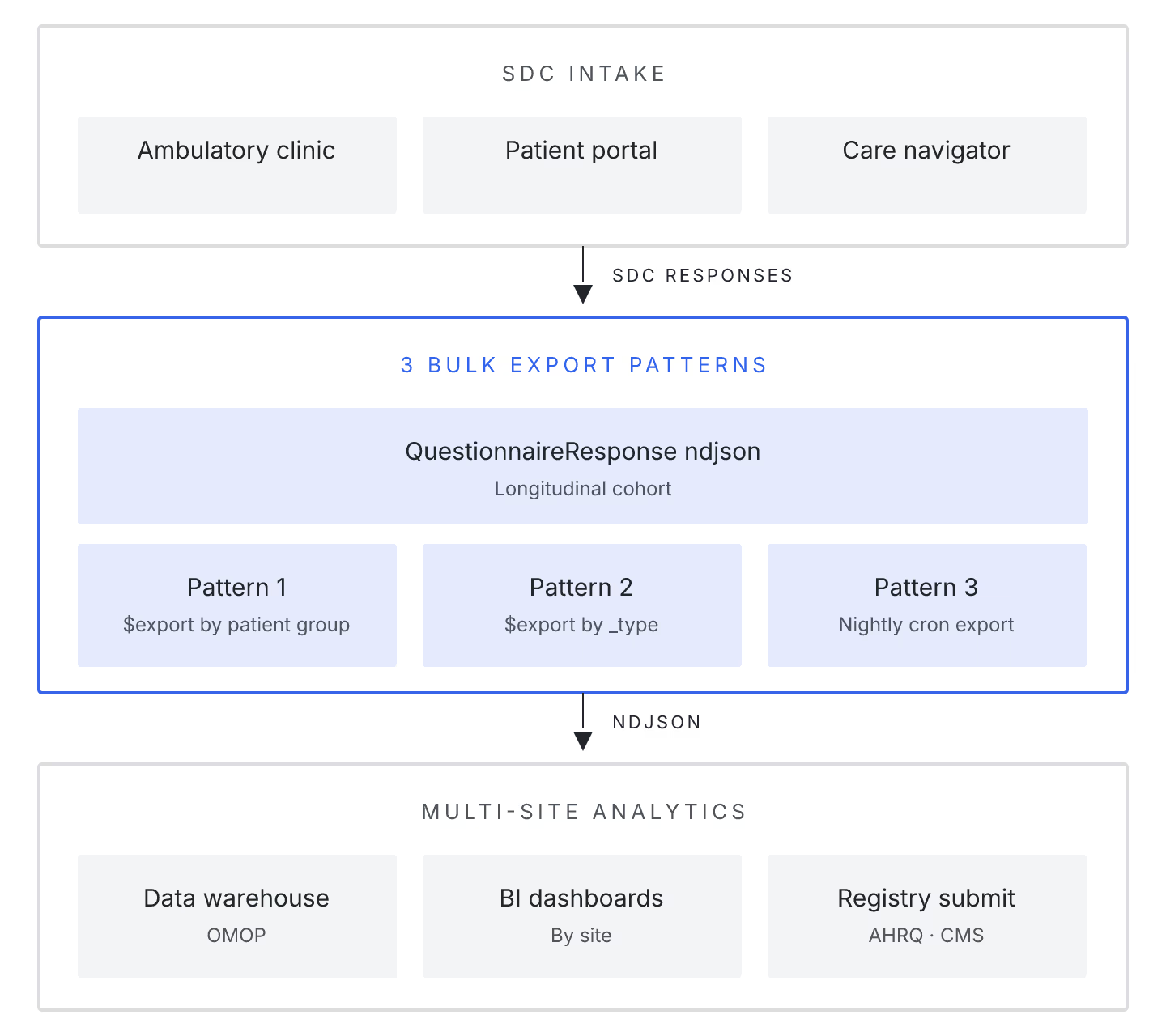
Bulk data exports from FHIR servers are usually described in terms of Observations and Encounters — the resources that dominate analytics pipelines. In multi-site ambulatory clinics running SDC-based intake, the export shape that matters most is different: QuestionnaireResponse resources, joined against Patient and Practitioner, exported nightly for quality reporting and staff dashboards.
Three patterns cover most production deployments:
1. Group-based $export filtered by clinic location. The Bulk Data Access IG supports Group/{id}/$export, and populating that Group with clinic-location Patient members gives you per-clinic exports without duplicating server work. Ambulatory clinics with 5-15 locations get clean per-site NDJSON files that fold into location-level reporting.
2. Since-parameter incremental pulls. Full exports at scale (>50k patients) blow the nightly window. _since on $export returns only resources modified after the timestamp, and combined with _type=QuestionnaireResponse,Patient,Practitioner cuts export duration by an order of magnitude. HAPI FHIR JPA server 6.10+ documents this well in its bulk-export tuning notes.
3. Extract-transform-load with the SDC $extract operation. For clinics that need Observation-shaped answers rather than raw QuestionnaireResponse, the SDC IG's `$extract` operation turns Questionnaire answers into their target resources at export time. Two open renderers support this: LHC-Forms and Aidbox Formbox.
Vendor state, mid-2026
| Server | Group $export |
_since support |
SDC $extract |
|---|---|---|---|
| HAPI JPA 6.10 | Yes | Yes | External |
| Aidbox 2409 | Yes | Yes | Native |
| Medplum 3.4 | Partial | Yes | External |
| Microsoft FHIR Server | Yes | Yes | External |
Ambulatory clinics that treat bulk export as the primary integration surface, rather than an occasional analytics job, get better data freshness at lower operational cost. The three patterns above are what production teams settle on after a few months of running exports.